Please note we recently moved to slash commands only, instead of traditional commands, as per the new Discord API Update
SteamBot
SteamBot is a Discord bot that gives information on users, games, and sales.
Features
- 24/7 Uptime
- Profile Linking
- Ever-growing database of profiles
- Monitor sales
- Realtime info
- Live Player Counts
- Customize Steam Store location to ensure relevant information
- Compare prices between multiple retailers
- Launch games directly from Discord
- See free games on Steam
Commands
| Command |
Description |
/userinfo <url or mention> |
Gets information about a steam profile. Information includes real name (if set), Visibility, Online or offline, username, profile link, and avatar link. |
/bans <url or mention> |
See the ban status of a user, including VAC bans, Game bans, and Community bans. Useful peace of mind in knowing who to trust. |
/link <url> |
Link your Steam profile to SteamBot. This will allow people to see your Steam information without having your profile URL. |
/unlink |
Unlinks your Steam profile from SteamBot. |
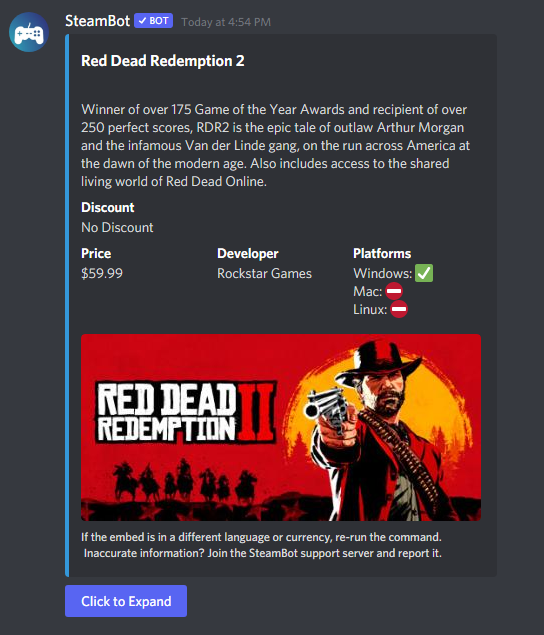
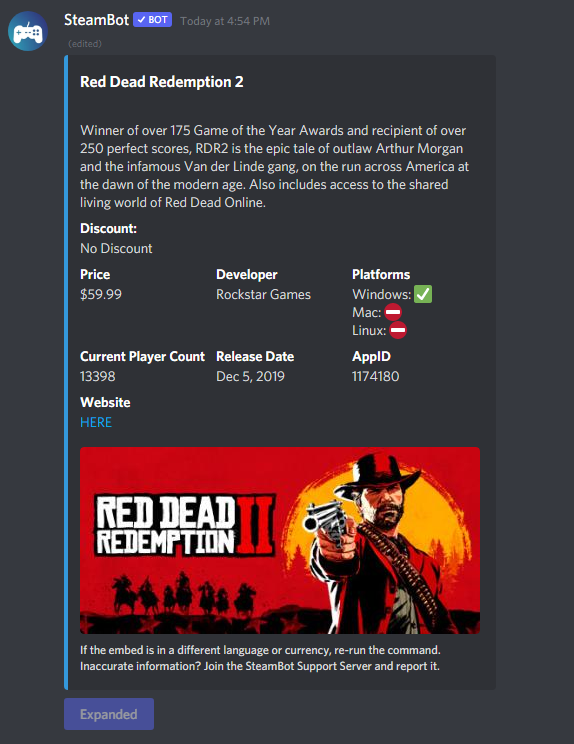
/game <game name> |
Provides detailed information about a Steam game, sales, and price. |
/recent <url or mention> |
Shows what games a user has played recently. |
/getid <url or mention> |
Gets the Steam ID for a profile |
/avatar <url or mention> |
Gets the avatar of a Steam profile |
/random |
Shows a random game on Steam |
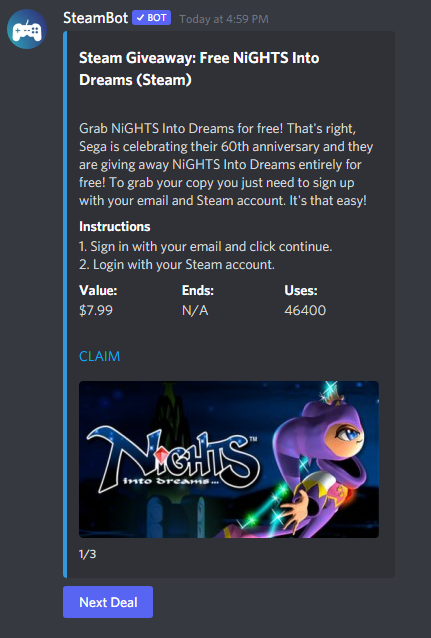
/steamfree |
Lists all free-to-keep games on Steam |
/playercount <game name> |
Shows a live player-count of any game on Steam |
/compare <game name> |
Compares prices of a game between many different game stores |
Screenshots
Usage of the /game command
 Expanded View of /game
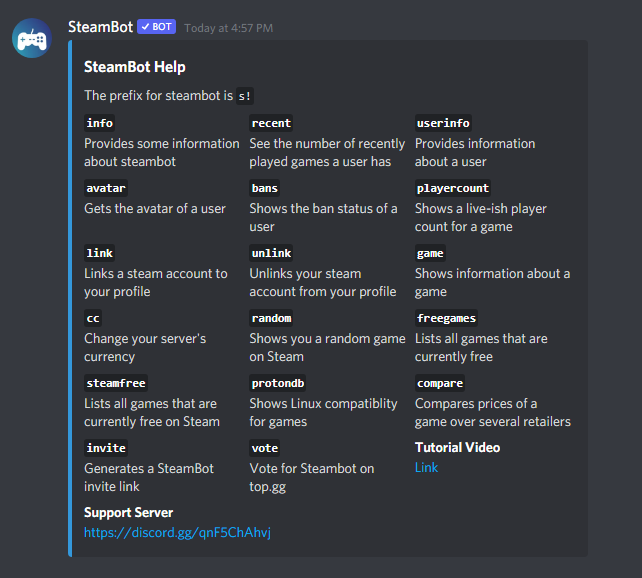
 Help command
 Steam Free Command
SteamBot Linking
User lookup commands can take two different arguments. You can either use the Steam Profile URL, or if the user has linked their Steam profile, mention them.
This bot is not affiliated with Valve, Steam, or any of their partners. All copyrights reserved to their respective owners.
Powered by Steam
Steam Web API